
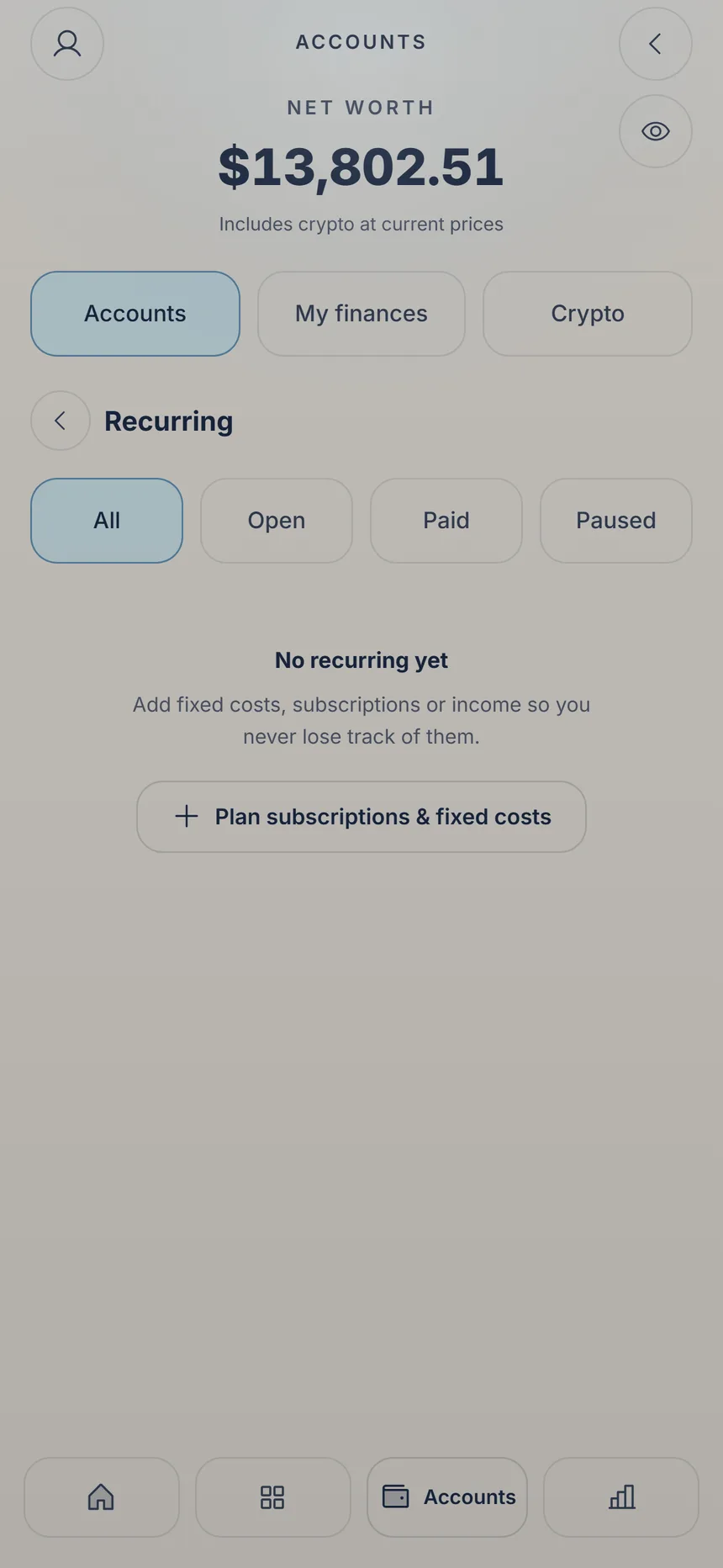
 Plan a payment
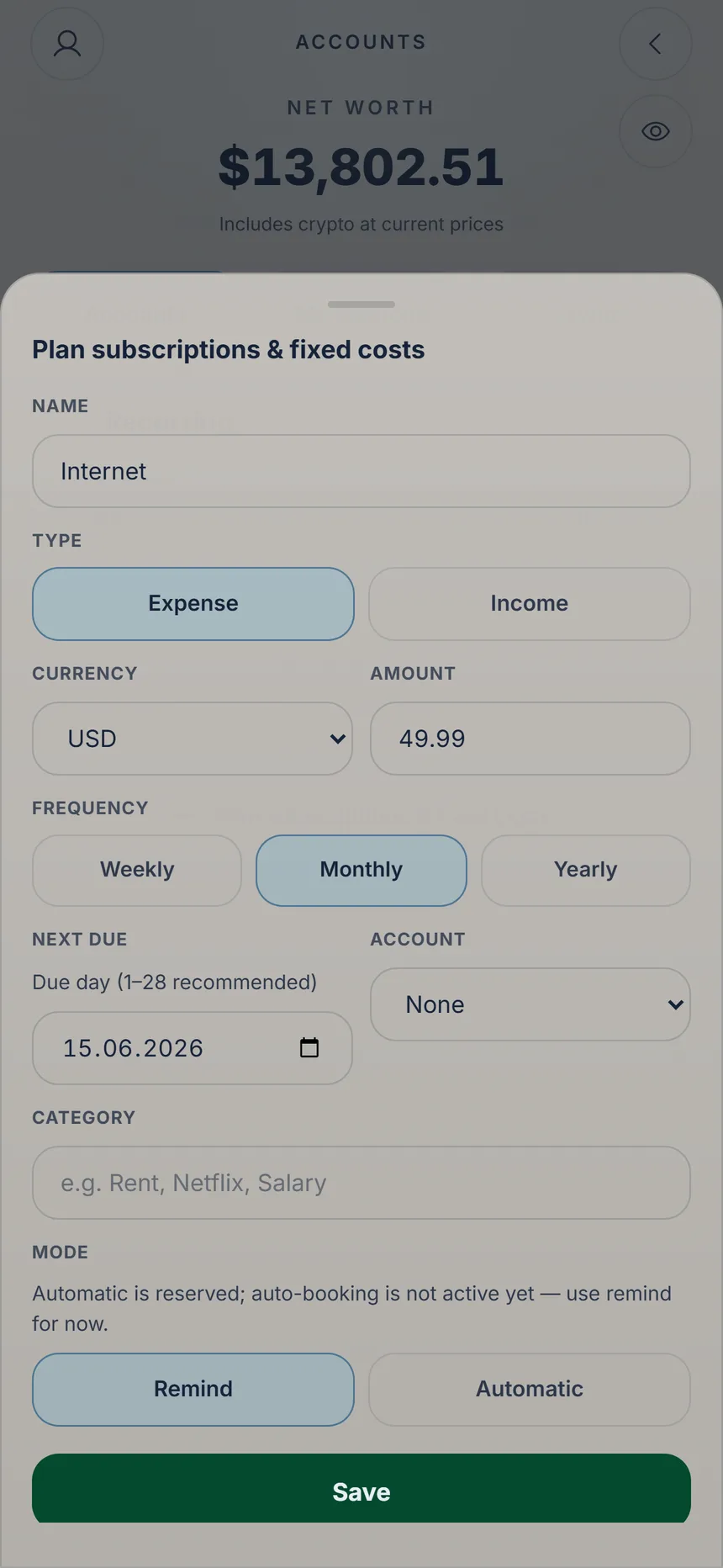 Pick the frequency
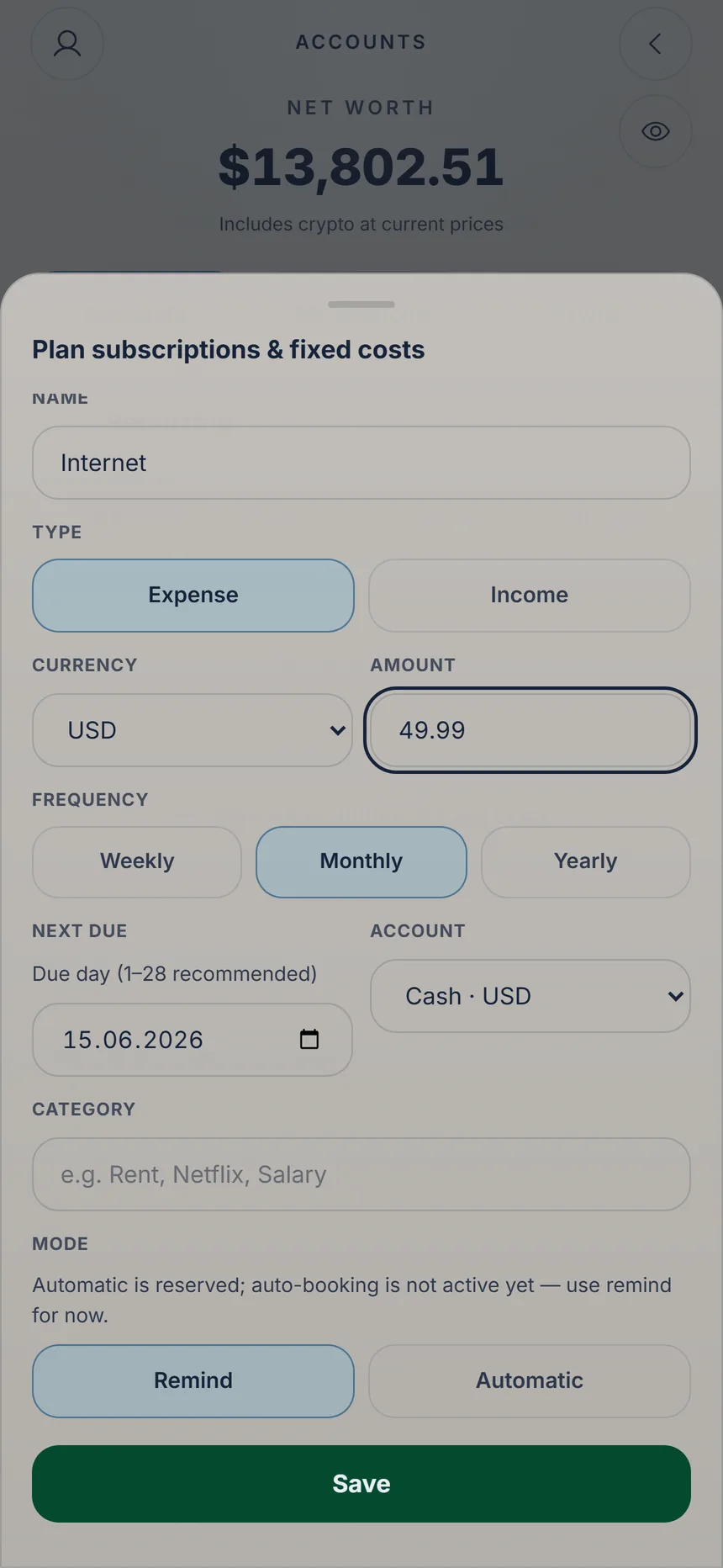 Save the payment
2 min
Recurring payments
Rent, internet, subscriptions: add them once and KaiOro shows you what's due and when.

Ka'i's tip: KaiOro never books anything by itself. With “Remind” it lets you know the day before, once you turn on “Due-date reminders” in Settings → “Notifications”. From the due date on, tap “Mark as paid” on the payment and it's recorded in your account.
Free Free: 3 active recurring payments; paused ones don't count. Plus: unlimited.