
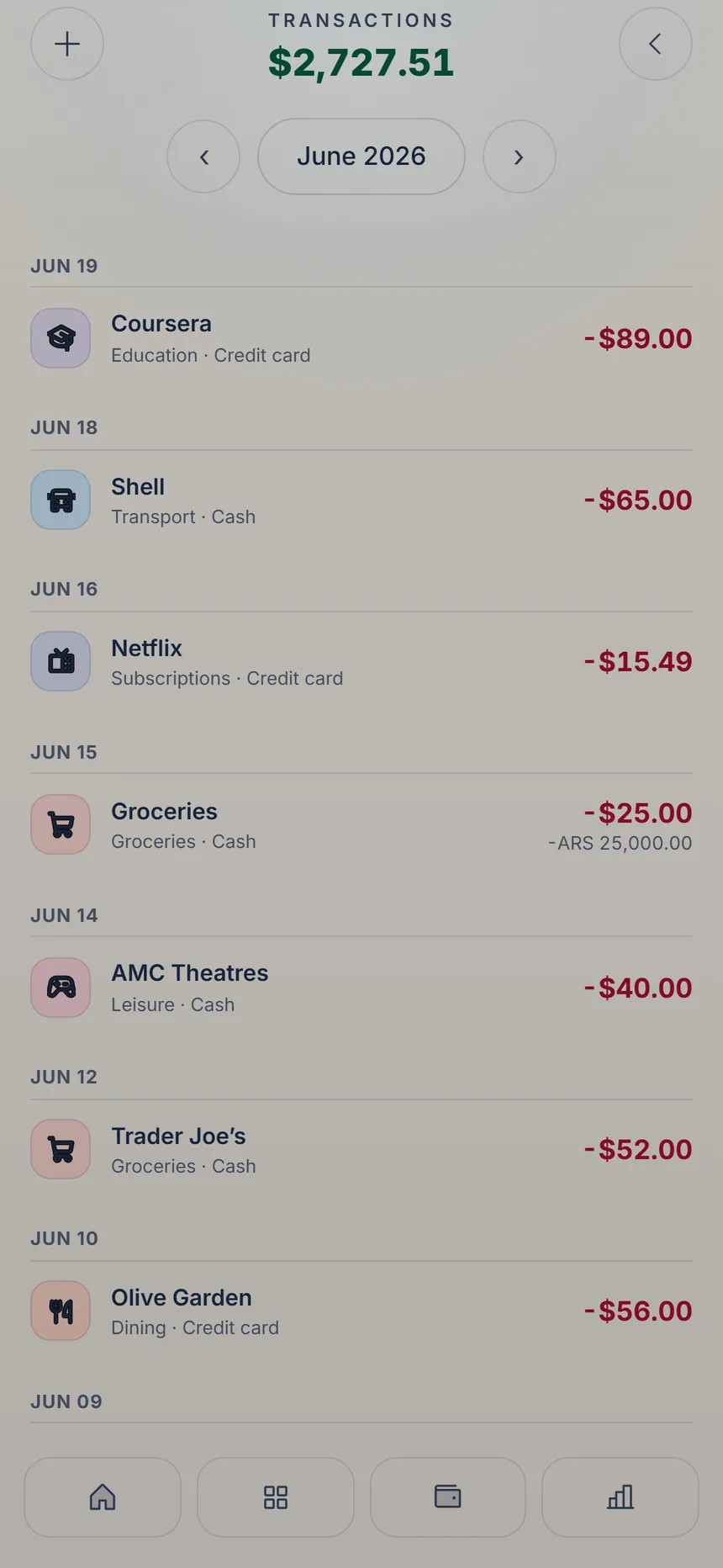
 Tap the expense
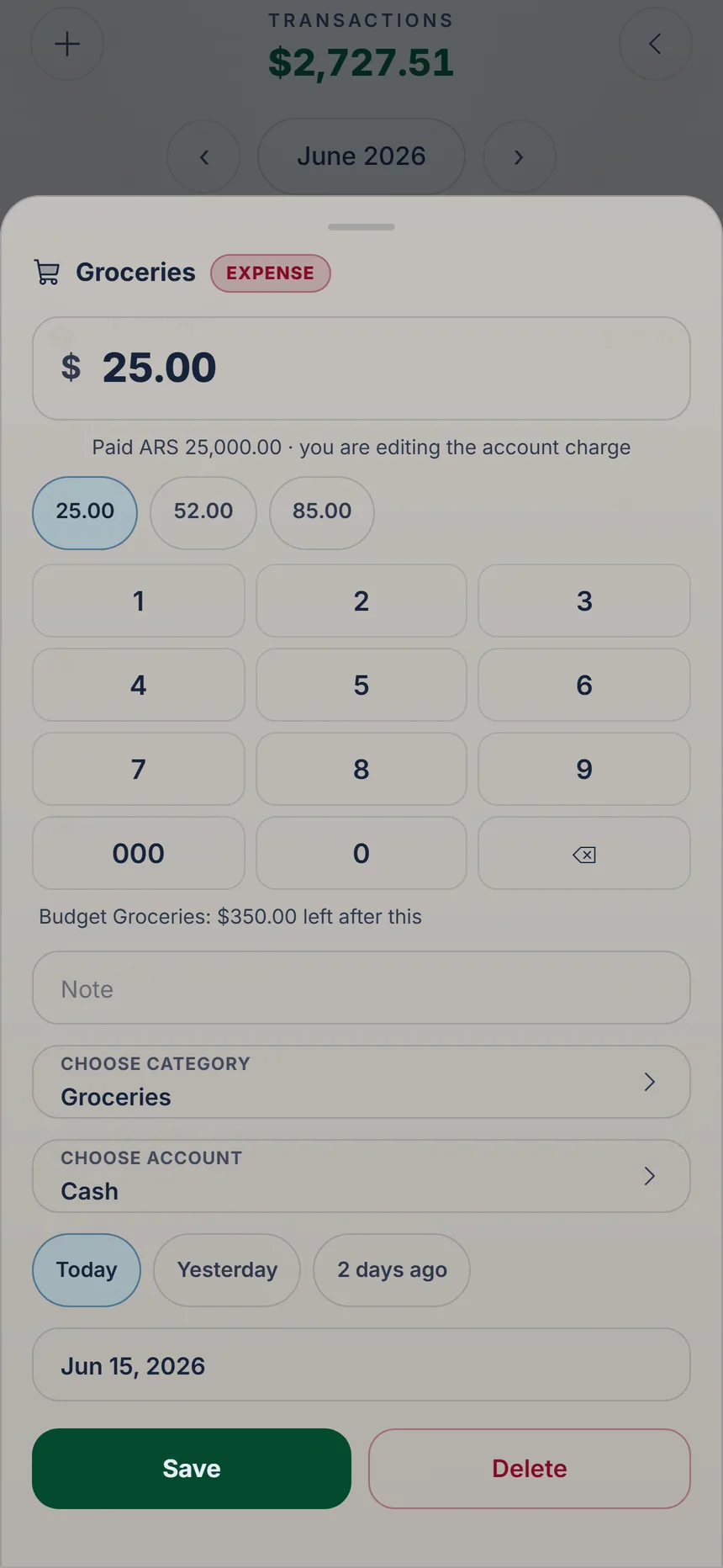 Clear with ⌫
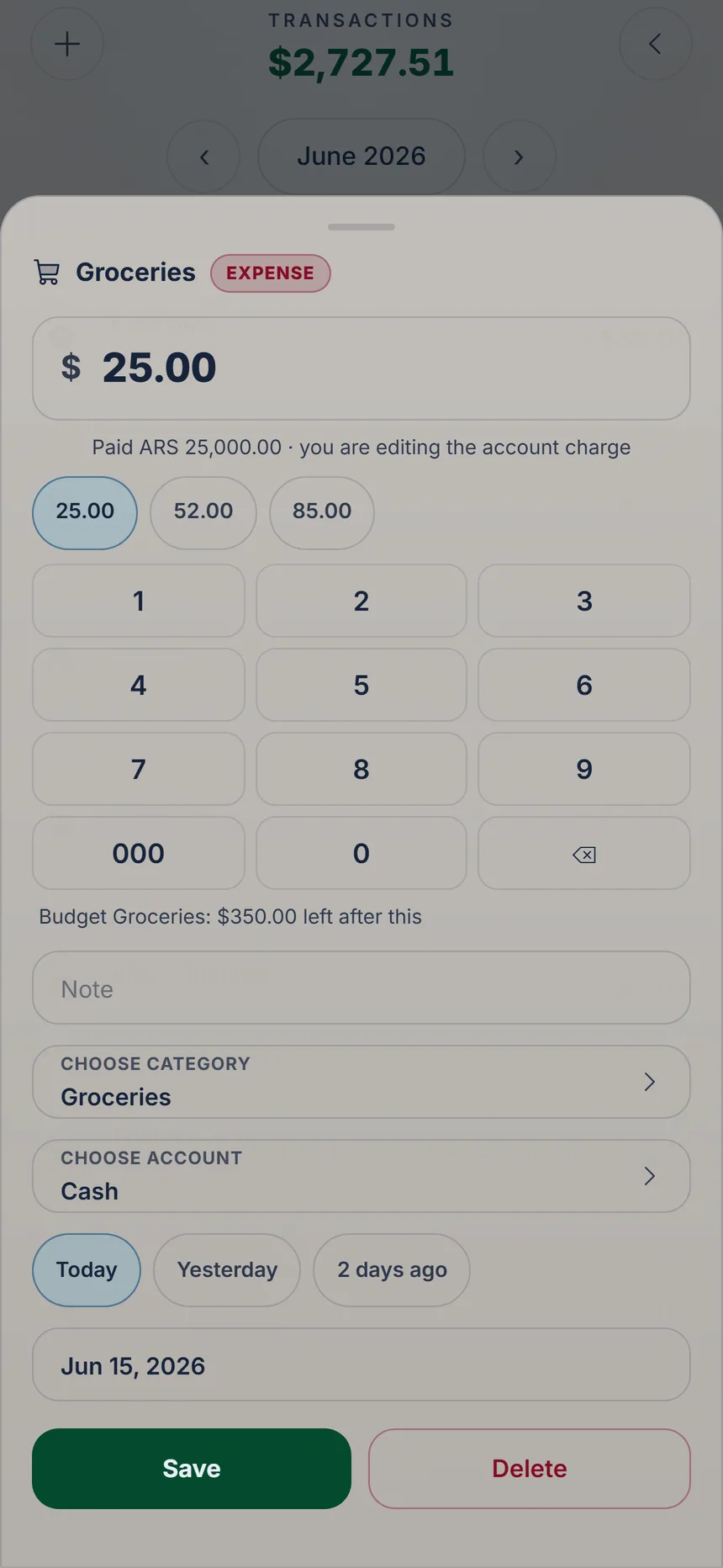 Save
Save
2 min
What your card really charged
Your card converts at its own rate and sometimes adds fees. When the statement arrives, correct the expense to the amount you were really charged.

Ka'i's tip: In the list you see both amounts: on top in your base currency, below in the currency you paid in. That way you see the exchange difference at a glance.
Free Correcting an expense is free on every plan. Recording a payment in another currency is part of Plus.