
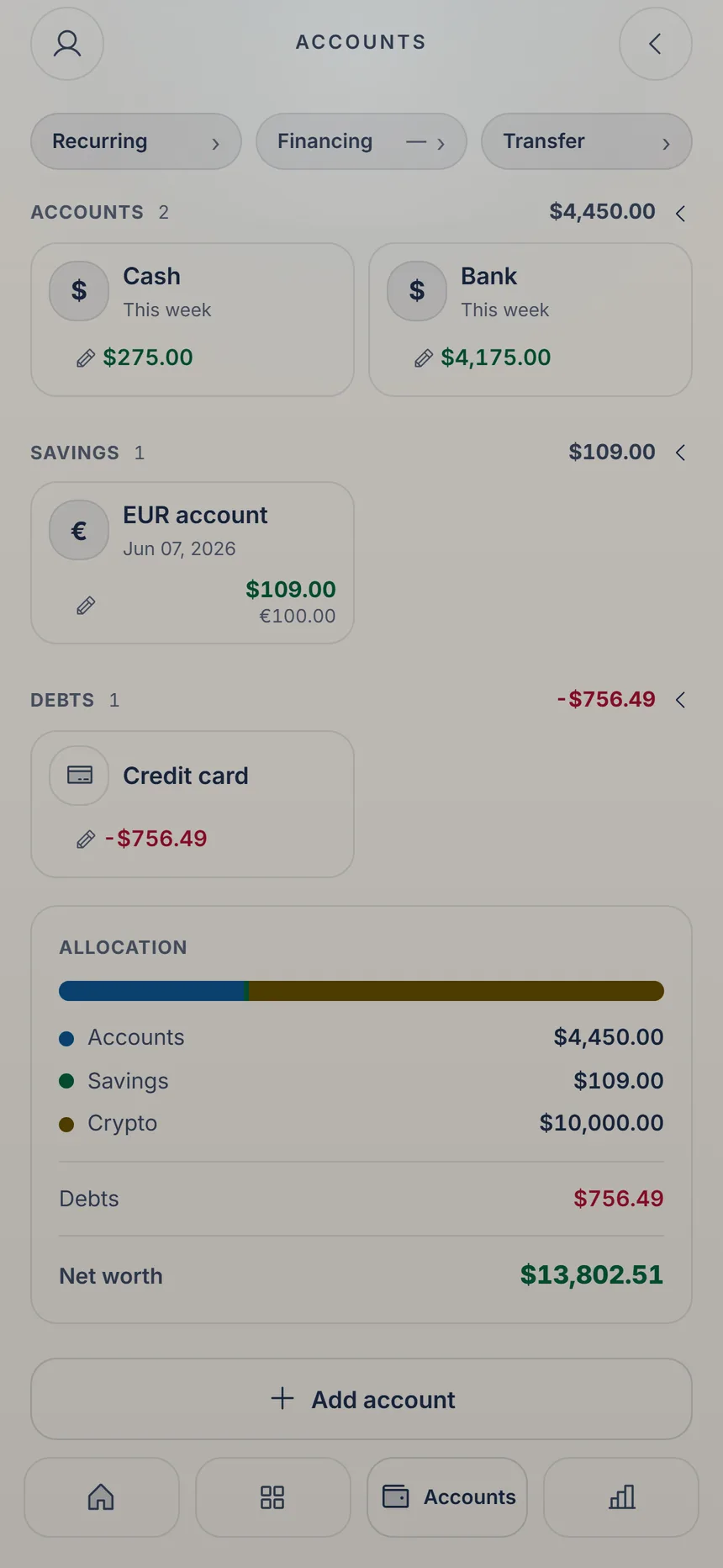
 Add an account
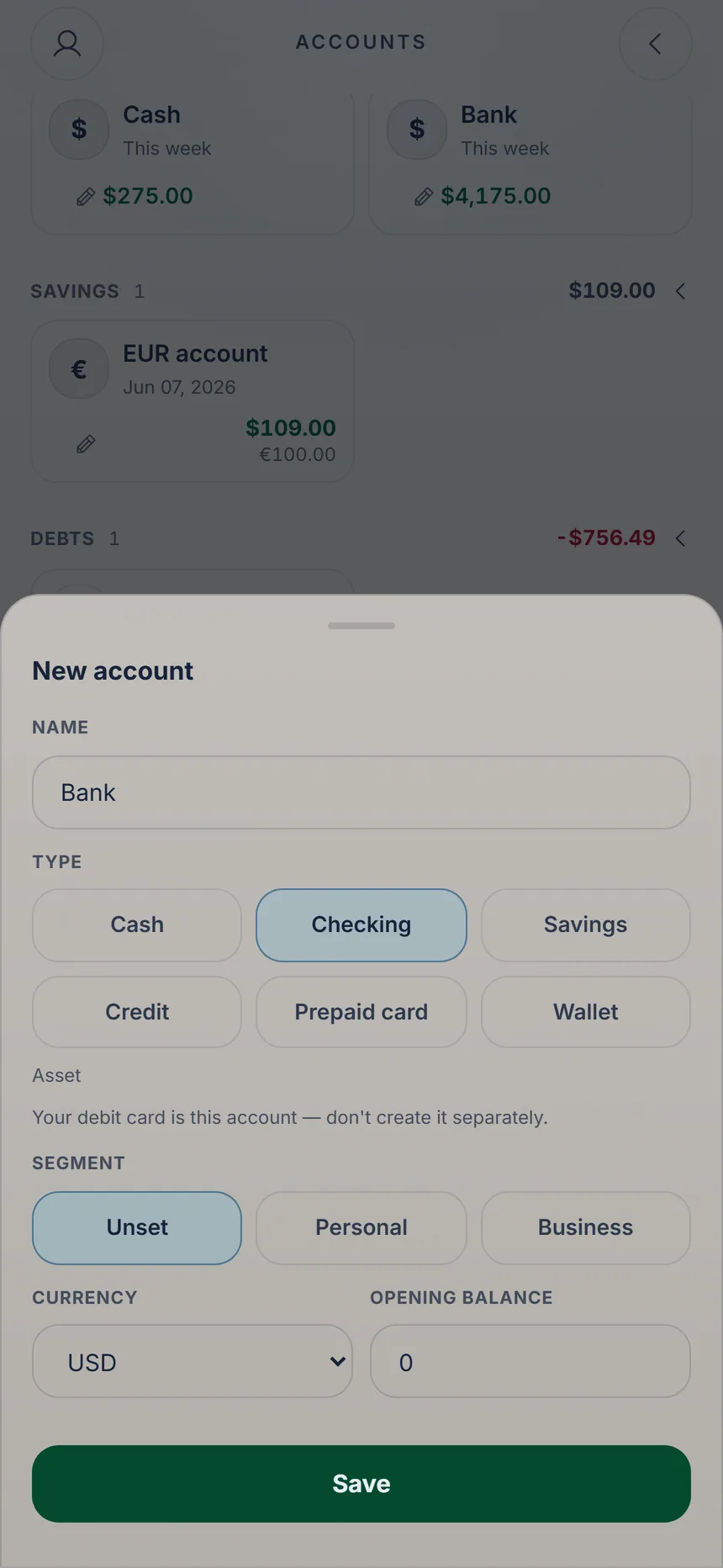 Pick the type
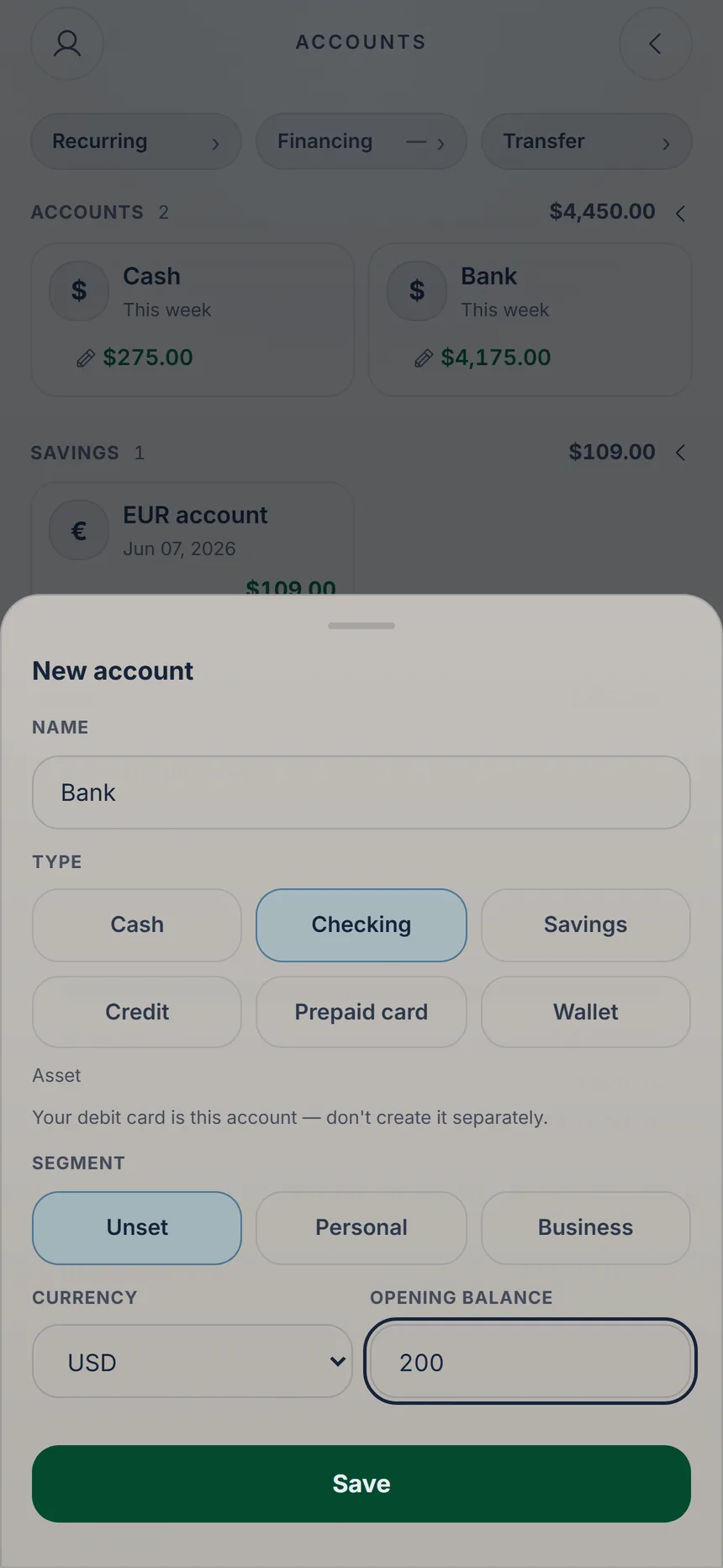 Save the account
2 min
Your accounts and cards
KaiOro starts with a single account, “Cash”. Add your bank and your card so every expense lands where it really happened.

Ka'i's tip: Got a debit card? That's your checking account, so don't create it separately. If you stop using an account, archive it: tap its pencil, turn on “Archive” and tap “Save” (on a credit card, the pencil first opens the card summary: choose “Edit account” there). That frees up a slot.
Free Free: 3 active accounts. Plus: unlimited.