
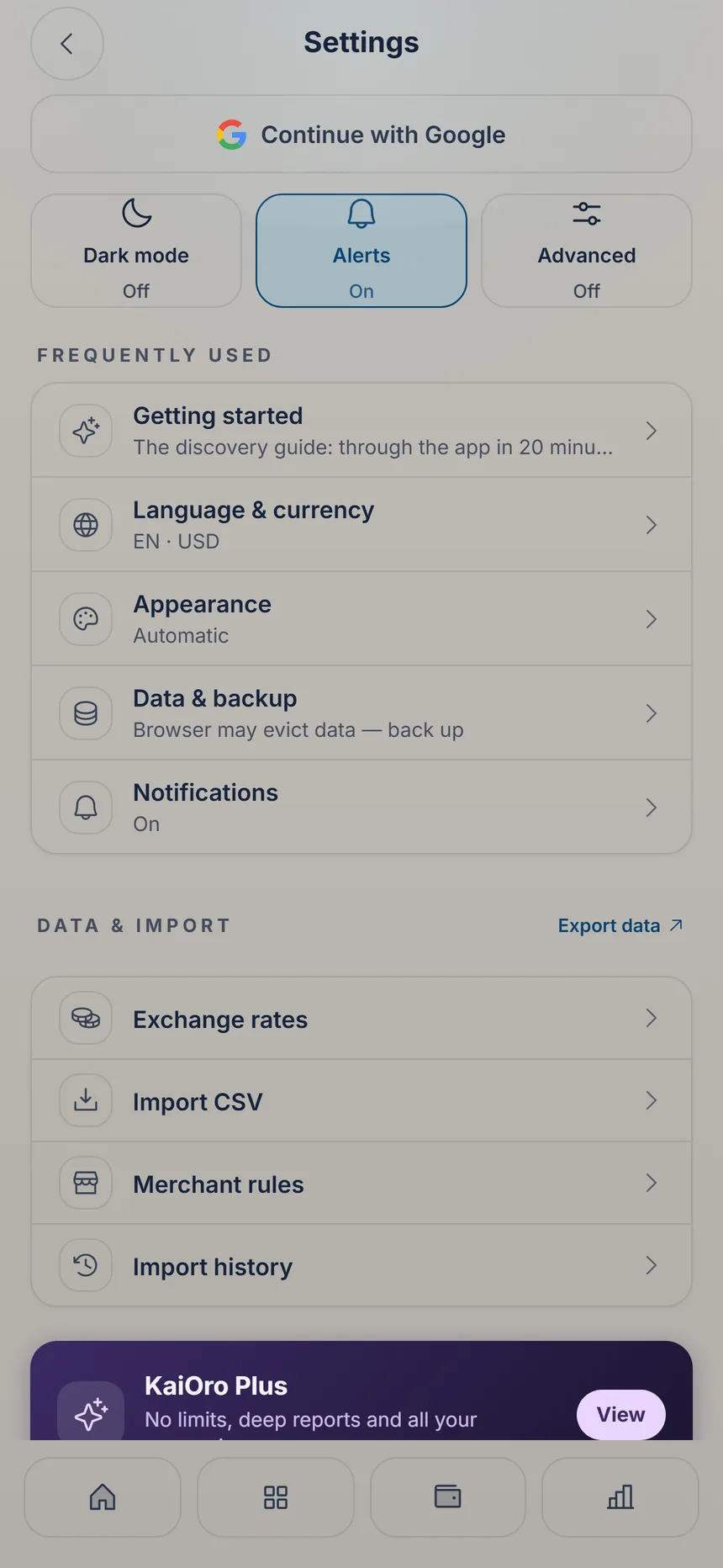
 Data & backup
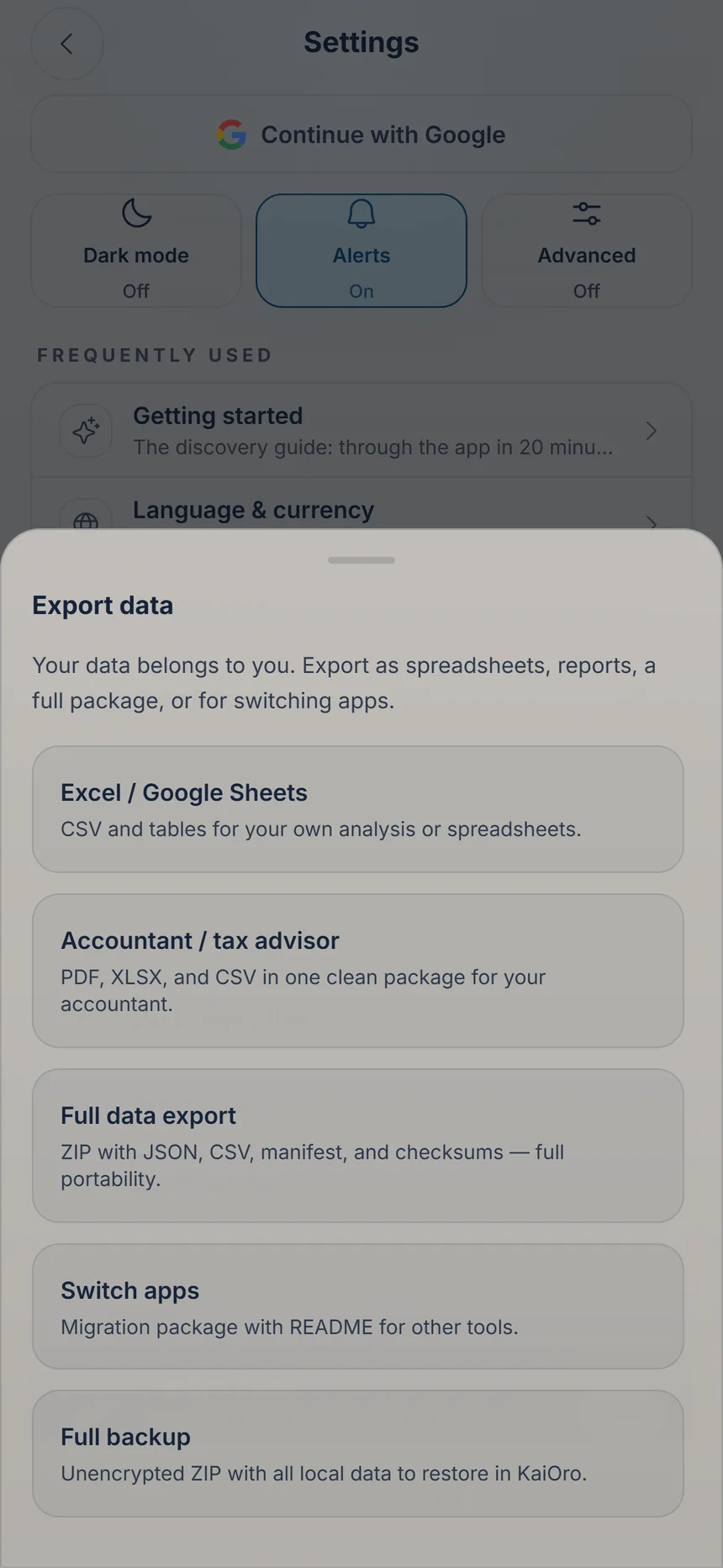 Choose what to export
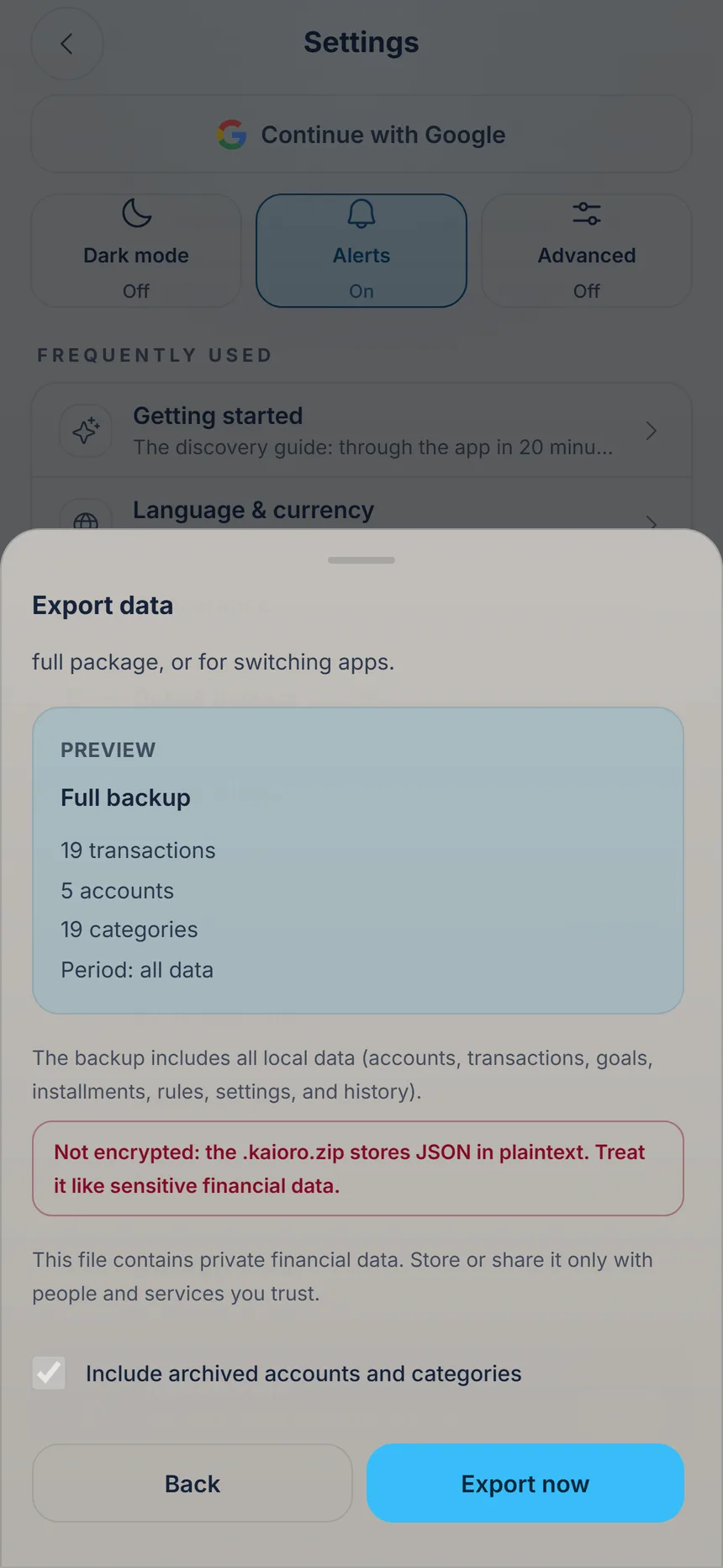 Export now
2 min
Your data, under control
Your data lives on your phone. From Settings you can export it or make a copy whenever you like.

Ka'i's tip: When you're signed in, the “Cloud backup” is in Settings: tap your name (or email) at the top. If you aren't signed in yet, the sign-in button is right there. It's free and encrypted with a password only you know. Without that password, the copy can't be recovered.
Free Exporting and the cloud backup are free. Plus: the package for your accountant and sync between devices.