
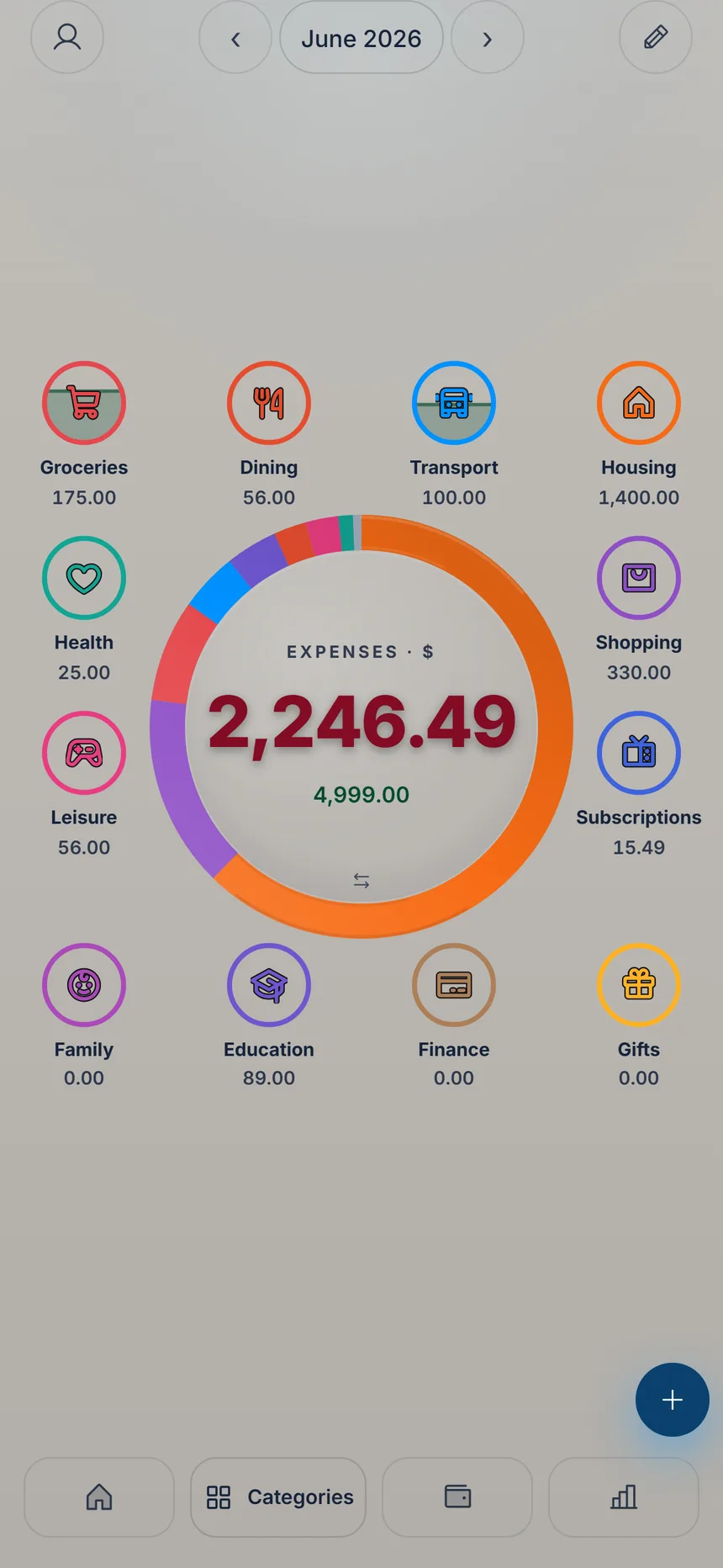
 Tap the center
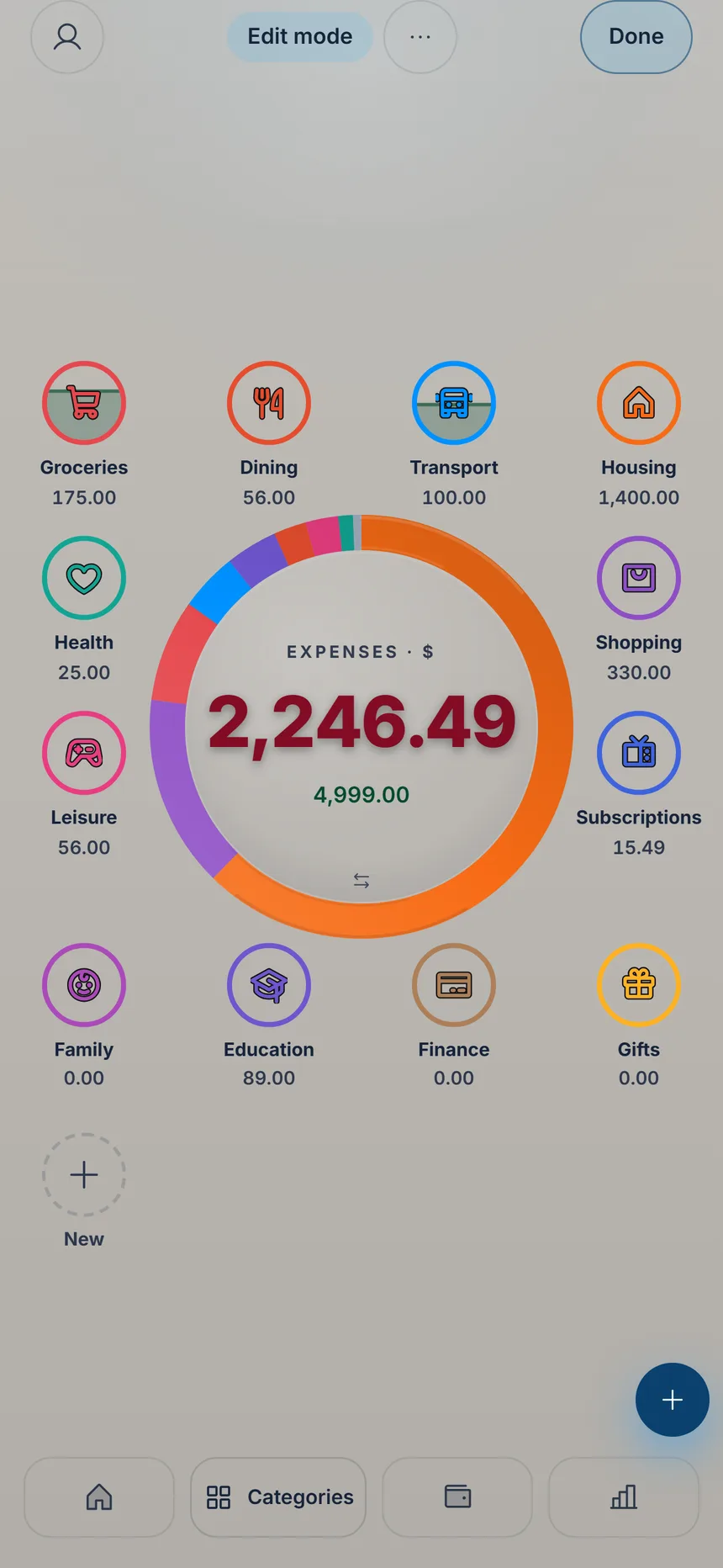 Tap New
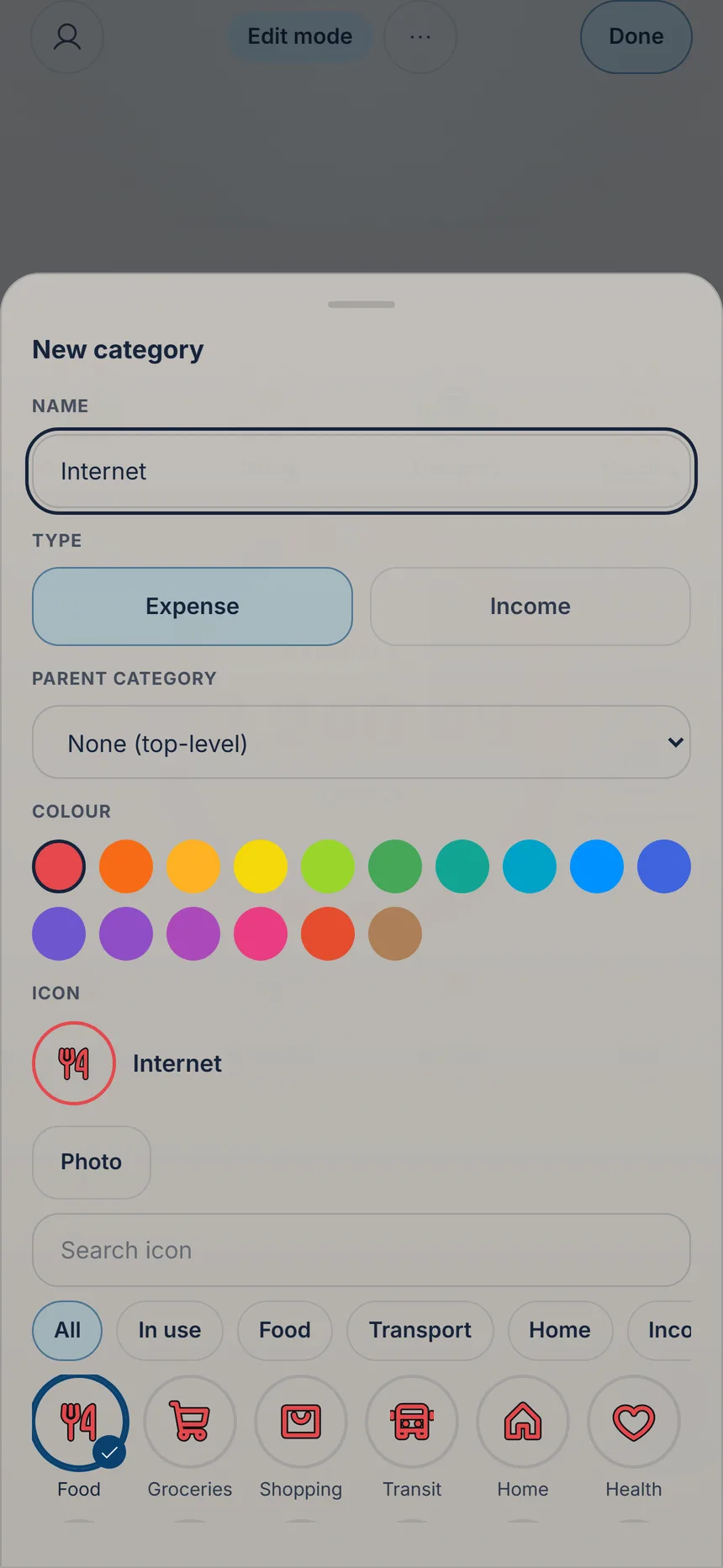 Pick the parent
3 min
Categories and subcategories
In “Categories”, the donut in the middle shows where your money goes. The categories around it are yours: add the ones you're missing and group what belongs together into subcategories.

Ka'i's tip: Subcategories keep the screen tidy: “Car” stays a single tile showing the total of fuel, parking and repairs, and tapping it shows the breakdown. To hide what you don't use, tap the category in edit mode (if it has subcategories, then “Edit category”), turn on “Hide” and tap “Save”. Your entries stay put.
Free Free on every plan, with no limit.