
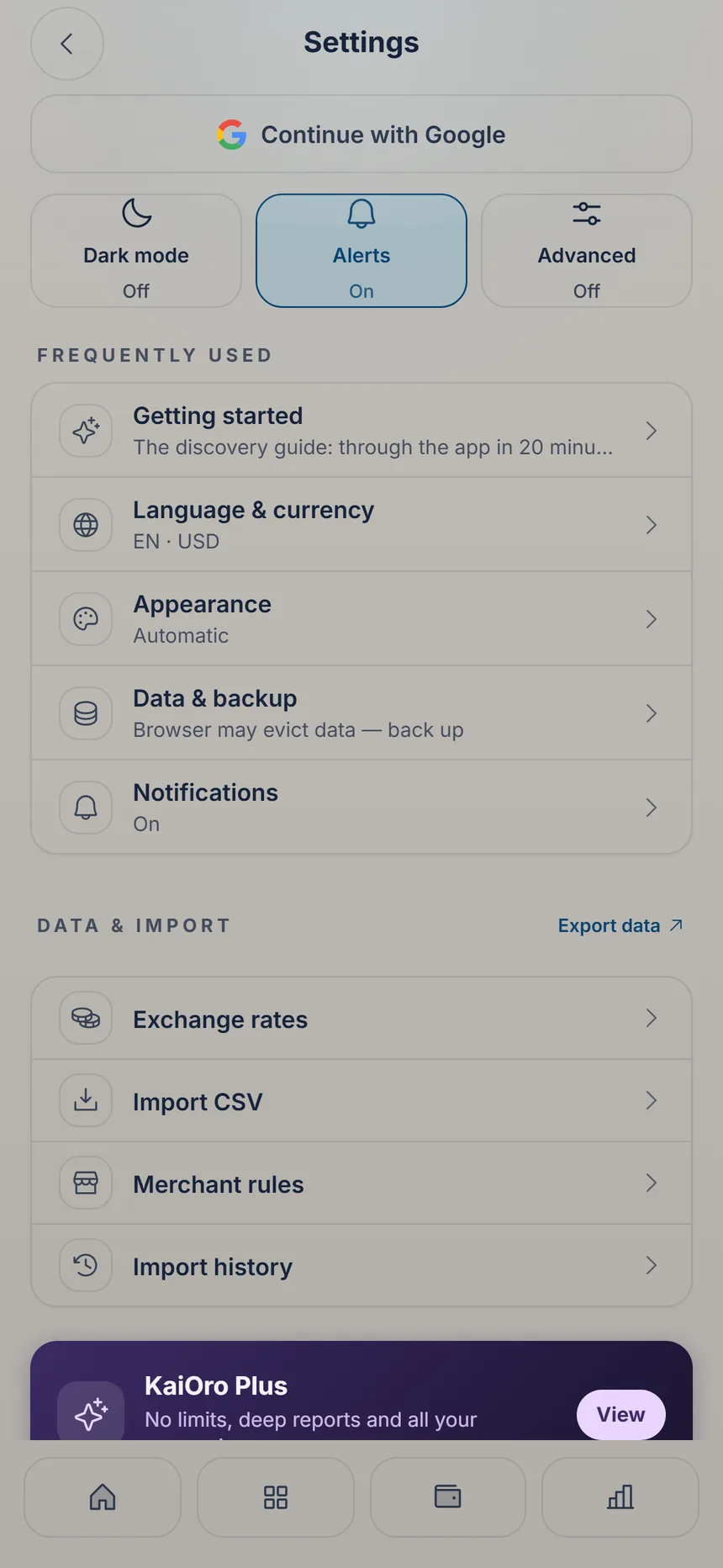
 Import CSV
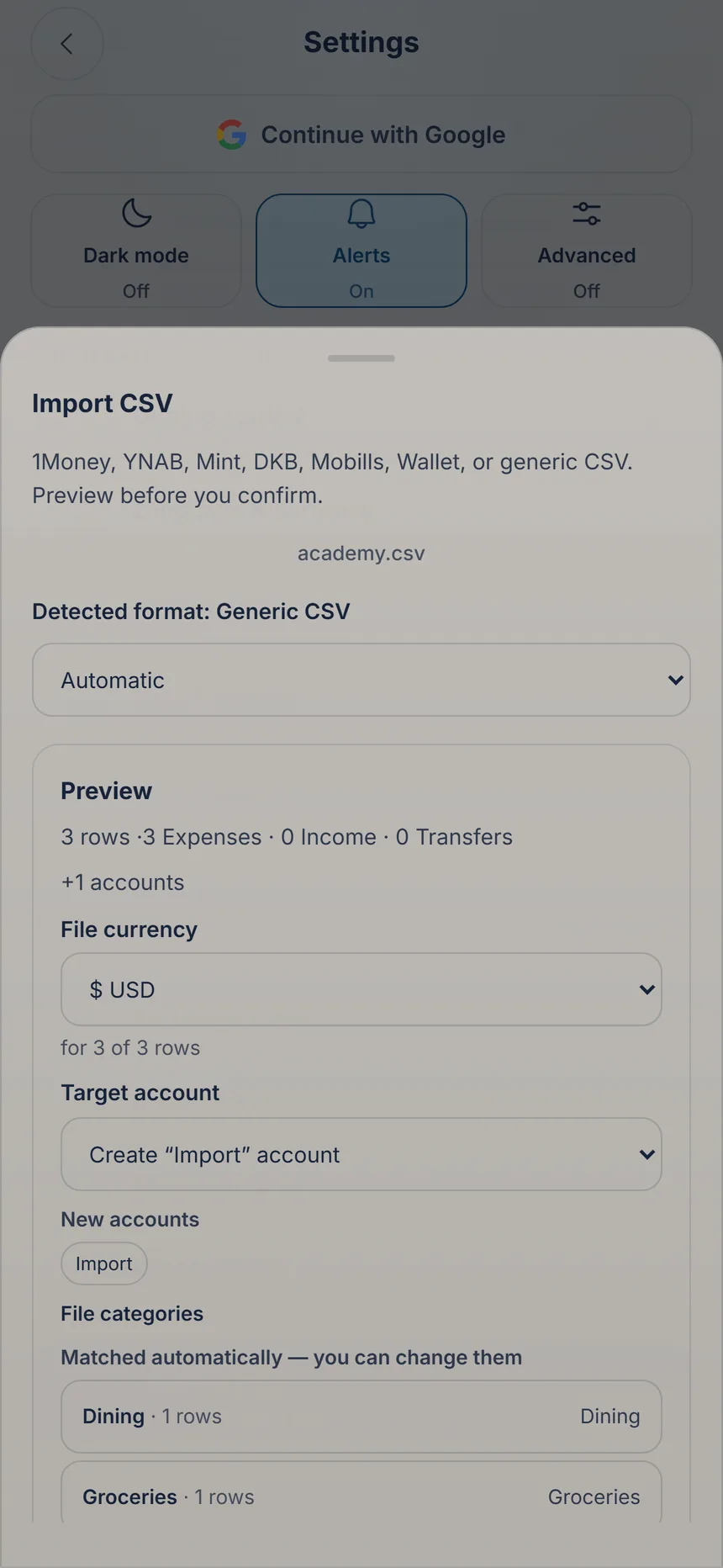 Check before importing
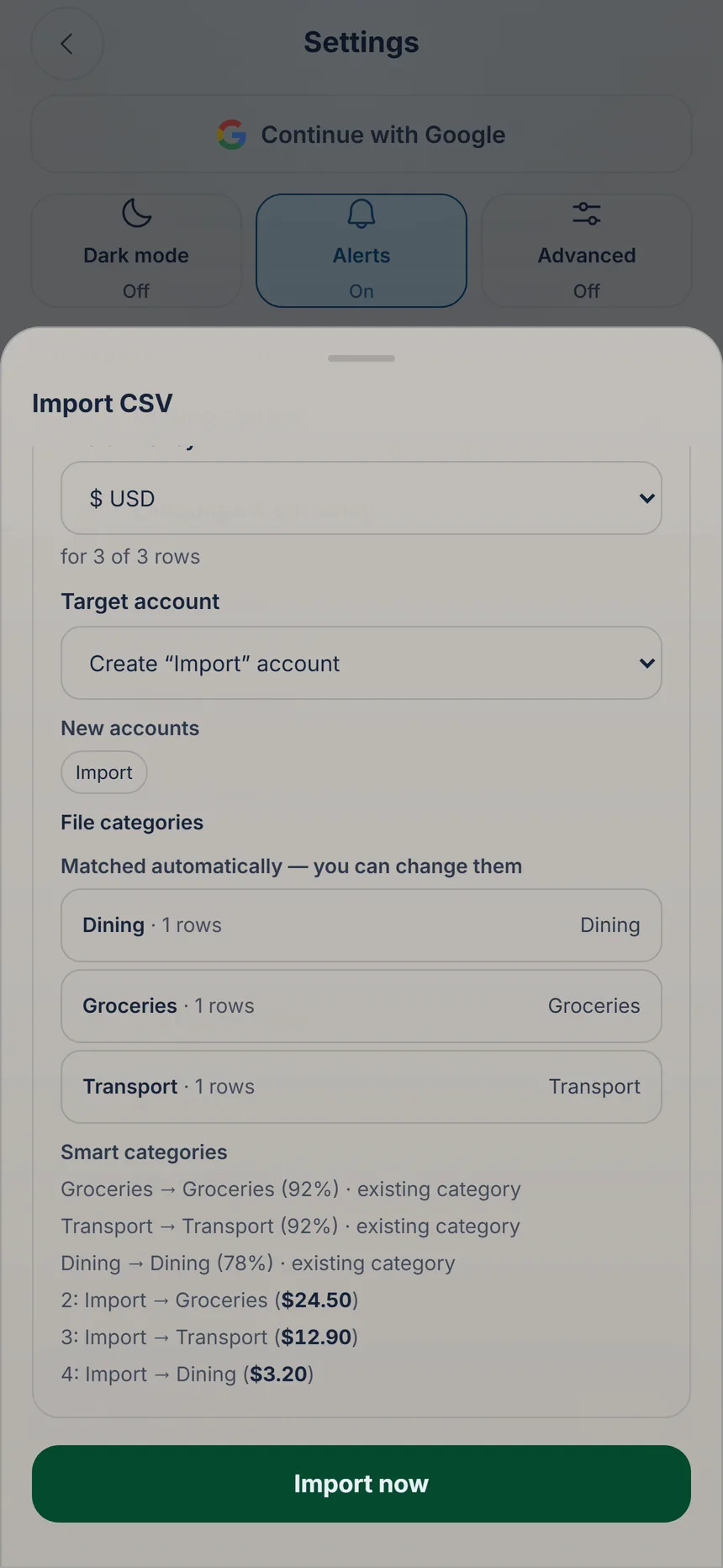 Import now
2 min
Import from another app
Coming from another app or your bank? KaiOro recognizes 13 CSV formats, from YNAB to Mercado Pago, and shows you everything before anything is saved.

Ka'i's tip: If your file has no currency, KaiOro suggests one: check that it’s yours before importing. If something went wrong, go to Settings → “Import history” to undo the whole import.
Free Free on every plan, with no limit.